
Tally Upgrade – Tally.ERP 9 to TallyPrime
Move from Tally.ERP 9 to TallyPrime, or from Silver to Gold, safely, with your data, customizations and integrations intact.
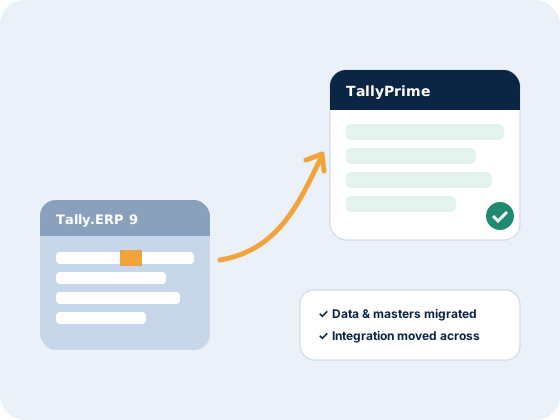
Upgrade without the risk
Many businesses still run Tally.ERP 9 because they worry about losing data or breaking their integration. We plan the upgrade, back up and migrate your data, move your TDLs and integrations across, and test everything before you switch.
- Tally.ERP 9 to TallyPrime migration
- Silver to Gold licence upgrade
- Data backup and migration
- TDL and customization review
- DMS / ERP integration moved to TallyPrime
- Team training on the new TallyPrime interface
Upgrade options
We'll recommend the right path for you.
Our upgrade process
1. Review
We check your licence, data, TDLs and integrations.
2. Migrate & test
Data migrated to TallyPrime and tested with your team.
3. Go-live
Switch over, training and support after the upgrade.
Frequently asked questions
Will I lose data when upgrading to TallyPrime?
No. We back up your data and migrate it to TallyPrime, then check it with you before you go live.
Will my DMS integration work after the upgrade?
Yes. We move your integration to TallyPrime and test it as part of the upgrade.
Can I upgrade from Silver to Gold?
Yes. Silver to Gold upgrades let more users work on Tally at the same time.
How long does an upgrade take?
Most upgrades are done within a day or two, depending on the data and customizations.
Get a free Tally integration demo
Tell us which DMS, ERP or Tally product you need. We'll call you back the same working day.