
Mahindra Saarthi DMS to TallyPrime Integration
Post vehicle sales, workshop billing, spare parts and accessory invoices from Mahindra Saarthi DMS into TallyPrime in one click, with GST, HSN and VIN details.
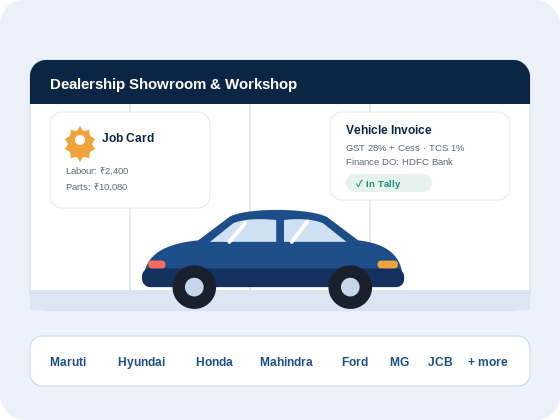
Keep Saarthi DMS. Keep TallyPrime. Stop typing twice.
Mahindra dealerships record daily sales, workshop and spares transactions in Saarthi DMS, then enter them again in TallyPrime for accounts and GST. Our Mahindra DMS Tally integration reads your Saarthi reports, creates the parties and stock items, and posts invoice-wise vouchers to Tally in one click.
- Vehicle sales and purchase with VIN / chassis and engine numbers
- Workshop sales with spare parts, labour and service charges
- Spare parts purchase with part numbers, HSN and GST
- Warranty and accessory sales posted to the right ledgers
- Customer, supplier and stock item masters created automatically
- CGST, SGST and IGST mapped, with configurable ledgers and voucher types
Built for Mahindra dealerships
Used by Modi Arnav Mahindra (Mumbai and Thane) and Northpoint (Kolkata). It works with the reports from your Saarthi DMS, so your dealership keeps its current software.
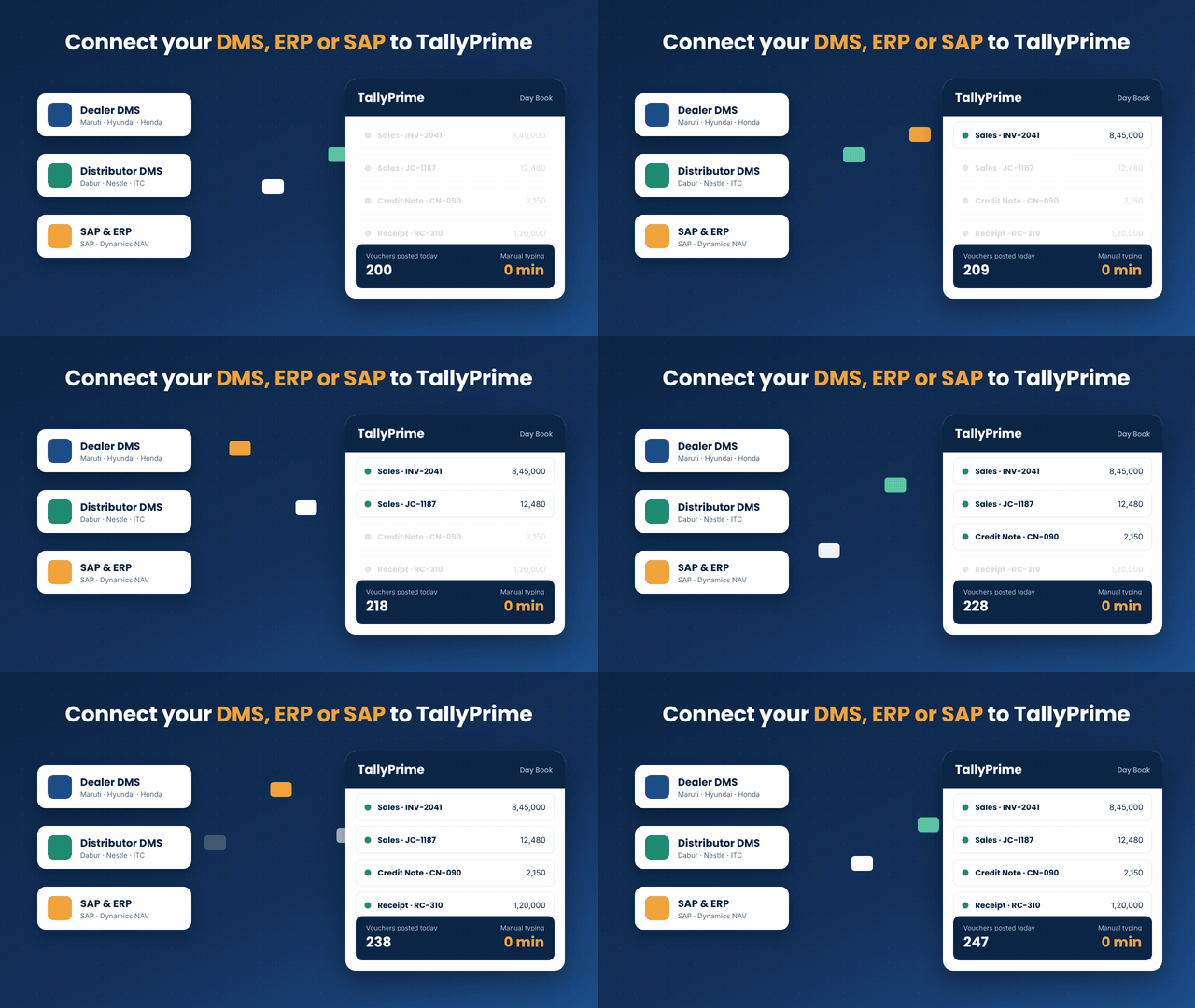
Transactions posting from your DMS to TallyPrime
What you get
A custom utility
A SunTim integration utility that processes Saarthi DMS reports and imports them into TallyPrime.
Accurate GST and HSN
Tax and HSN mapped on every vehicle, spare part and service line.
Month-end faster
DMS and Tally match, so reconciliation and closing take less time.
Multi-location ready
One approach that scales across the dealership's showrooms and workshops.
Setup and training
Ledger mapping, voucher configuration and training for your accounts team.
Support from SunTim
Our team supports the integration after go-live, on site in Mumbai or remotely across India.
Continue using your DMS. Continue using TallyPrime. Let SunTim connect them.
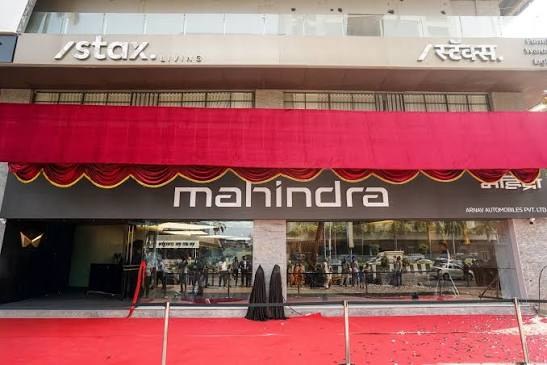
Mahindra showroom of Arnav Automobiles Pvt. Ltd.
Running for dealers in Mumbai, Thane and Kolkata
- Modi Arnav Mahindra – Mumbai
- Modi Arnav Mahindra – Thane
- Northpoint – Kolkata
Two systems, one set of entries typed twice
Mahindra dealerships run vehicle sales, workshop billing, spare parts and inventory in Saarthi DMS, but keep their accounts, GST and statutory reports in TallyPrime. Every transaction had to be accounted for a second time.
Duplicate data entry
The same invoices keyed into Saarthi DMS and again into TallyPrime, every day.
Errors in invoices and GST
Wrong invoice numbers, ledger selection and GST amounts when entries are typed by hand.
Complex workshop accounting
Labour, service charges and spare parts on the same invoice had to be split manually.
Hard to reconcile
Matching DMS reports with Tally entries took time at every month end.
Delayed reporting
Slow GST reconciliation and late month-end closing.
Dependent on manpower
Accountants busy with repetitive data entry instead of analysis.
From Saarthi DMS report to posted Tally voucher
SunTim built a customised utility that reads your Saarthi DMS reports, converts them into the accounting structure Tally needs and imports the transactions into TallyPrime.
- Generate DMS reportsExport the Saarthi DMS sales, purchase, workshop and inventory reports as usual.
- Load into the SunTim utilitySelect the report files in the utility. No re-typing and no Excel clean-up.
- Process and validateLedgers, HSN and GST are mapped, and multiple lines are grouped invoice-wise.
- Create mastersMissing parties and stock items (vehicles, spare parts, accessories) are created automatically.
- Import into TallyPrimeVouchers are posted in bulk with one click, using the voucher types you configured.
- Check and reportVehicles, stock and GST are in Tally, ready for reconciliation and reports.
Every dealership transaction type
| Saarthi DMS module | What is posted to TallyPrime |
|---|---|
| Vehicle sales | Sales invoice with customer, vehicle model, VIN / chassis number, engine number, taxable value and GST |
| Vehicle purchase | Purchase voucher with supplier, vehicle identification numbers, inventory and tax details |
| Workshop sales | Invoice-wise spare parts, labour charges, service charges, discounts and GST |
| Spare parts purchase | Purchase voucher with part numbers, quantities, rates, HSN codes and GST |
| Warranty sales | Warranty billing posted to the right accounting ledgers |
| Accessory sales | Showroom and workshop accessory sales with inventory and accounting details |
From manual entry to one-click posting
You keep your DMS and your Tally. The only thing that changes is the typing.
- Before: generate DMS reports, check Excel data, create ledgers by hand, enter each invoice, calculate and verify GST, then reconcile
- After: generate DMS reports, load them into the SunTim utility, process and validate, import into TallyPrime
Key features
| Feature | What it does |
|---|---|
| Automatic party creation | Customer and supplier ledgers |
| Automatic stock items | Vehicles, spare parts and accessories |
| HSN-wise integration | HSN on inventory transactions |
| GST mapping | CGST, SGST and IGST accounting |
| VIN and engine number | Vehicle-wise identification and tracking |
| Invoice-wise processing | Many lines grouped into one invoice |
| Ledger and voucher setup | Configurable ledgers and voucher types per module |
| One-click import | Bulk posting into TallyPrime |
Manpower time it can save a busy dealership
Example only: a dealership processing about 300 accounting entries a day, at 3 minutes each by hand, against about 30 minutes a day with the utility.
These are illustrative estimates of manpower savings, not measured client results and not the price of the integration. Actual savings depend on your transaction volume and current process. Please contact us for a quote.
See Mahindra DMS to Tally
A short demo of Mahindra DMS data going into TallyPrime.
Frequently asked questions
Can you integrate Mahindra Saarthi DMS with TallyPrime?
Yes. SunTim has built a Mahindra Saarthi DMS to TallyPrime integration. A customised utility reads the Saarthi DMS reports and imports the transactions into Tally.
Which Mahindra DMS transactions are posted to Tally?
Vehicle sales and purchase, workshop sales, spare parts purchase, warranty sales and accessory sales.
Are VIN, chassis and engine numbers carried into Tally?
Yes. Vehicle identification details such as VIN / chassis number and engine number are carried into the Tally voucher.
Are parties and stock items created automatically?
Yes. Customer and supplier ledgers, and stock items for vehicles, spare parts and accessories, are created automatically when they are missing.
Do we need to change our DMS or Tally?
No. You continue to use Saarthi DMS and TallyPrime. The SunTim utility sits between them.
How are GST and HSN handled?
CGST, SGST and IGST are mapped to the right ledgers, and HSN is carried on the inventory lines.
Do you integrate other dealer DMS with Tally?
Yes. We also integrate Maruti, Hyundai, Honda, Ford, MG, Ashok Leyland, Mercedes-Benz and JCB DMS. See our car dealer Tally integration page.
Get a free Tally integration demo
Tell us which DMS, ERP or Tally product you need. We'll call you back the same working day.